
Copy Vault
Lightweight clipboard history app
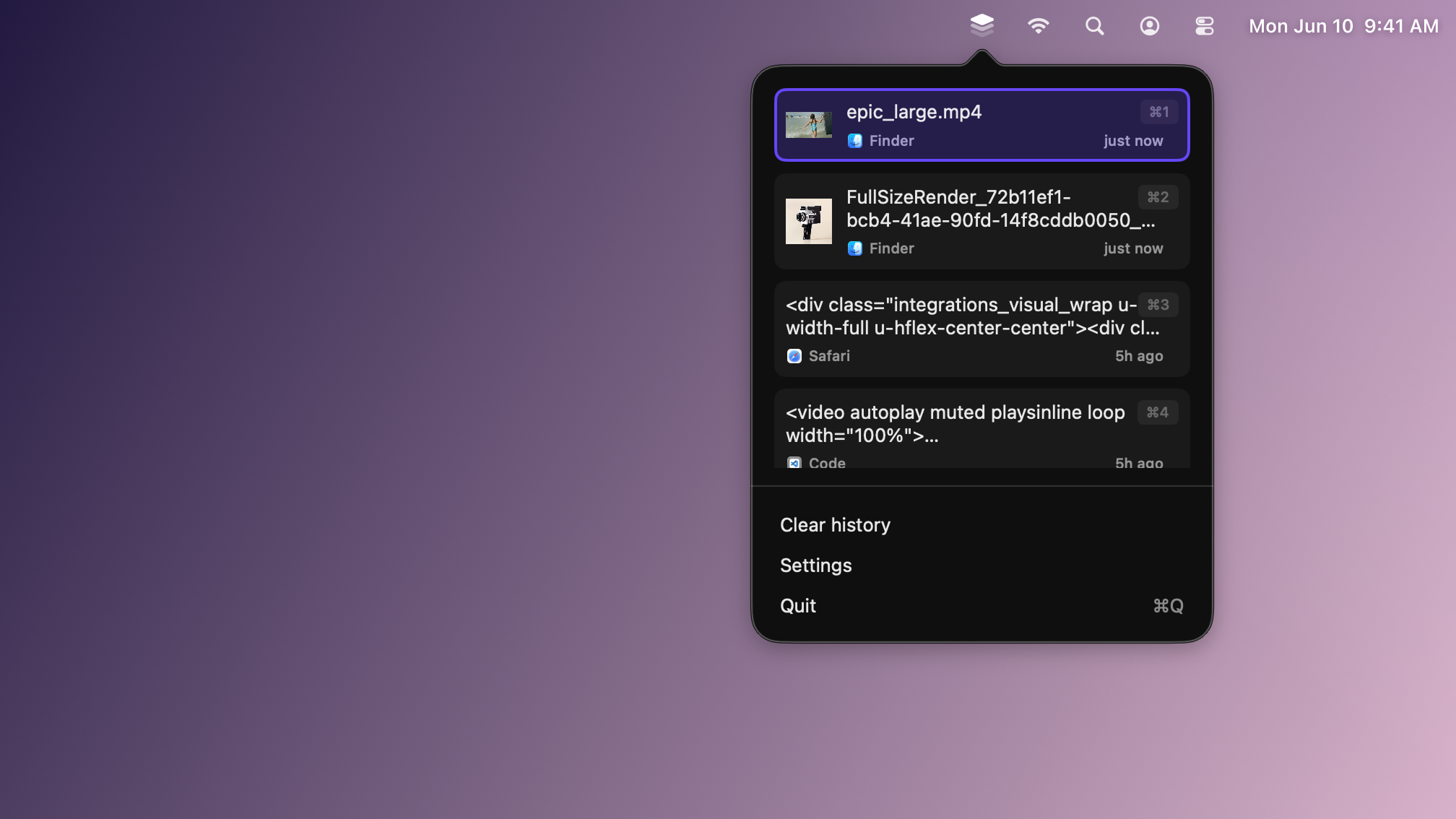
Copy Vault is a lightweight clipboard history manager I built to get hands-on with the latest macOS and iOS developer tools, particularly the new liquid glass design system. Rather than read through release notes, I wanted to ship something small that I’d actually use every day. It runs natively on both platforms, quietly capturing everything you copy and giving you fast access to your history.
Give it a try on the App Store.
How it works
Copy Vault sits in the menu bar and watches the system clipboard. Anything you copy (text, links, images) gets saved to a searchable history that syncs across your devices. When you need something from earlier, you pull it up and grab it. Everything stays local; nothing is sent anywhere.
I built it in SwiftUI on a shared codebase, with platform-specific adjustments where macOS and iOS needed to feel different, and CoreData handling local persistence.
What I took away
The interesting problems turned out to be the quiet ones: watching the clipboard continuously without draining the battery, handling the permission and privacy questions that come with clipboard access, and getting the liquid glass material to feel right across two platforms with very different layouts. It’s earned a permanent spot in my menu bar, which is the bar I set for these build-to-learn projects.